Rapid Trigger Hall Effect RGB Keyboard: Tune Speed & Control
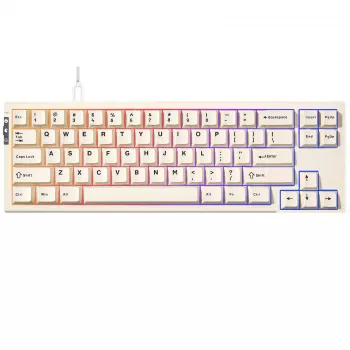
Rapid Trigger RGB Mechanical Gaming Keyboard with Hall Effect Switches: Speed, Control, and Clean Inputs
A rapid trigger keyboard with Hall effect switches is built for fast resets, precise actuation control, and consistent key feel over time. Instead of relying on a physical metal contact to register a press, Hall effect designs sense movement magnetically, which opens the door to adjustable actuation, responsive “tap” behavior, and reliable performance across long sessions. Below is a practical guide to how the tech works, how it changes gameplay, and how to set it up so movement feels snappy without turning into accidental input chaos.
If you’re ready to jump straight to a board that supports this style of tuning, see the Rapid Trigger RGB Mechanical Gaming Keyboard with Hall Effect Switches.
What makes Hall effect switches different
Traditional mechanical switches typically actuate when metal contacts meet. Hall effect switches, by contrast, measure key travel with magnetic sensing—commonly described using the underlying Hall effect. In daily use, that difference can show up in consistency: fewer contact-related quirks, and a feel that stays more uniform because the “measurement” is not dependent on two pieces of metal touching.
Another standout benefit is software-driven adjustability. Many Hall effect keyboards let you set the actuation point (when a press registers) and the reset point (when it releases) with fine granularity. That’s especially useful in games where movement demands fast changes in direction, because you can bring actuation and reset closer together for rapid re-presses.
The main trade-off is that the experience depends heavily on firmware and software quality. The best results come from boards with stable updates, sensible calibration tools, and profile management that makes it easy to keep different settings for different games.
How rapid trigger behavior impacts gameplay
Rapid trigger changes how resets work. Instead of waiting for the key to travel back up past a fixed reset point, rapid trigger resets dynamically as soon as the key begins moving upward. The result is a keyboard that can feel “eager” to release and re-register presses—ideal for rapid tapping and tight movement control.
You’ll usually notice it most on:
- WASD movement: quicker stop-start timing and cleaner micro-adjustments.
- Counter-strafing patterns: faster transitions between opposing keys for sharper stops.
- Rhythm-like inputs: repeated taps where tiny delays add up.
To avoid accidental releases during sustained presses, start with moderate rapid trigger sensitivity. If you set actuation too shallow and sensitivity too aggressive, “feathering” a key can cause unintended releases—especially when you rest your fingers heavily or tense up in ranked play.
RGB lighting and customization that matter day to day
RGB is most useful when it helps you play or work more comfortably—not when it’s just max brightness. Per-key RGB becomes genuinely practical when you tie lighting to profiles: highlight movement clusters, mark utility keys, or create a calmer layout for late-night sessions.
- Profile-driven lighting: different games, different color cues—without rethinking your layout every time.
- Onboard memory: saves both lighting and actuation behavior so your setup persists even if software isn’t running.
- Low-distraction effects: static low brightness or subtle reactive modes often improve legend readability.
Also consider power and port stability. Very bright RGB can increase power draw; for the cleanest connection, plug directly into a reliable motherboard USB port. Input devices generally communicate using standardized USB HID behavior (see the USB Implementers Forum’s overview of the USB Human Interface Device (HID) class), but real-world stability still depends on the keyboard’s firmware and your USB chain.
Feature checklist and setup targets
When comparing Hall effect rapid trigger keyboards, a few practical criteria matter more than marketing numbers:
- Actuation range options: a wider range supports both competitive shallow actuation and comfortable deeper typing.
- Per-key configuration: tune “problem keys” (WASD, Space, Shift, Ctrl) separately to reduce misfires.
- Polling and scan stability: consistent timing beats flashy specs if firmware is inconsistent.
- Sound and feel controls: plan for acoustics—desk mats and dampening can help in shared spaces.
Quick configuration ideas (starting points)
| Use case | Actuation depth | Rapid trigger sensitivity | Notes |
|---|---|---|---|
| Competitive FPS movement | Shallow to medium | Medium | Tune WASD first; increase sensitivity only if misfires are rare |
| General gaming | Medium | Low to medium | Balanced feel and fewer accidental releases |
| Typing and work | Medium to deeper | Low or off | Prioritizes stability and reduces unintended key repeats |
Calibration and tuning workflow
Hall effect keyboards often get better over time through updates, so start with the basics:
Comfort, build, and desk setup considerations
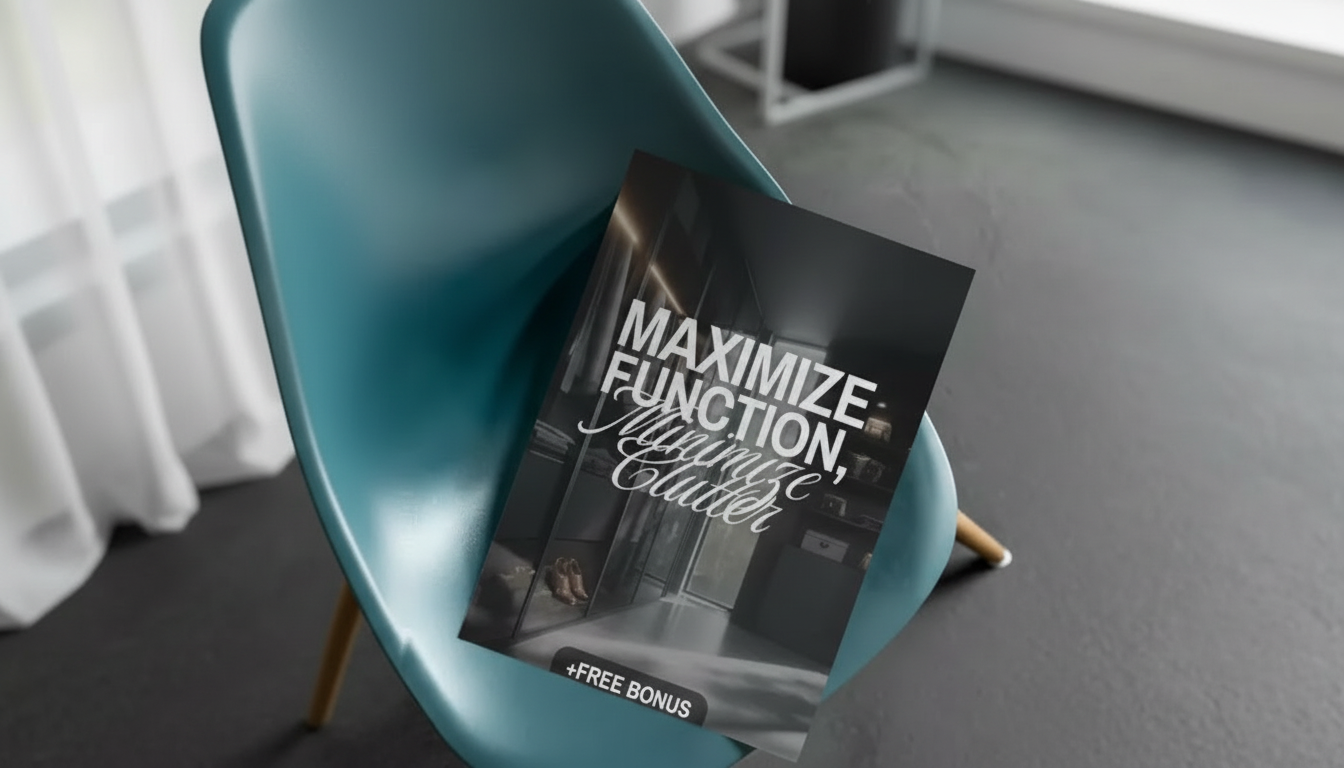
If your setup area is tight, reorganizing the desk zone can make a noticeable difference in mouse space and comfort. The Maximize Function, Minimize Clutter | Multifunctional Room Layouts eBook can help map a layout that keeps keyboard, mouse, and cable paths clean.
When this keyboard is the right fit
FAQ
Do Hall effect switches wear out like traditional mechanical switches?
Hall effect sensing avoids metal-to-metal contact for actuation, which can reduce contact-related wear. Overall lifespan still depends on the keyboard’s build quality, stabilizers, and electronics, but the sensing method is designed for consistent performance over time.
Will rapid trigger settings cause accidental keypresses?
They can if actuation is set extremely shallow or rapid trigger sensitivity is too high. Start with moderate settings, tune per key (especially WASD and Space), and test slow feathering plus fast taps to confirm control without misfires.
Is rapid trigger useful outside competitive shooters?
Yes—any game with rhythm-like tapping, movement-heavy traversal, or frequent stop-start inputs can feel more responsive. For relaxed single-player or typing, deeper actuation and lower rapid trigger sensitivity (or turning it off) usually feels more stable.


Leave a comment