Adjustable Aluminum Tablet Stand for Ergonomic Comfort
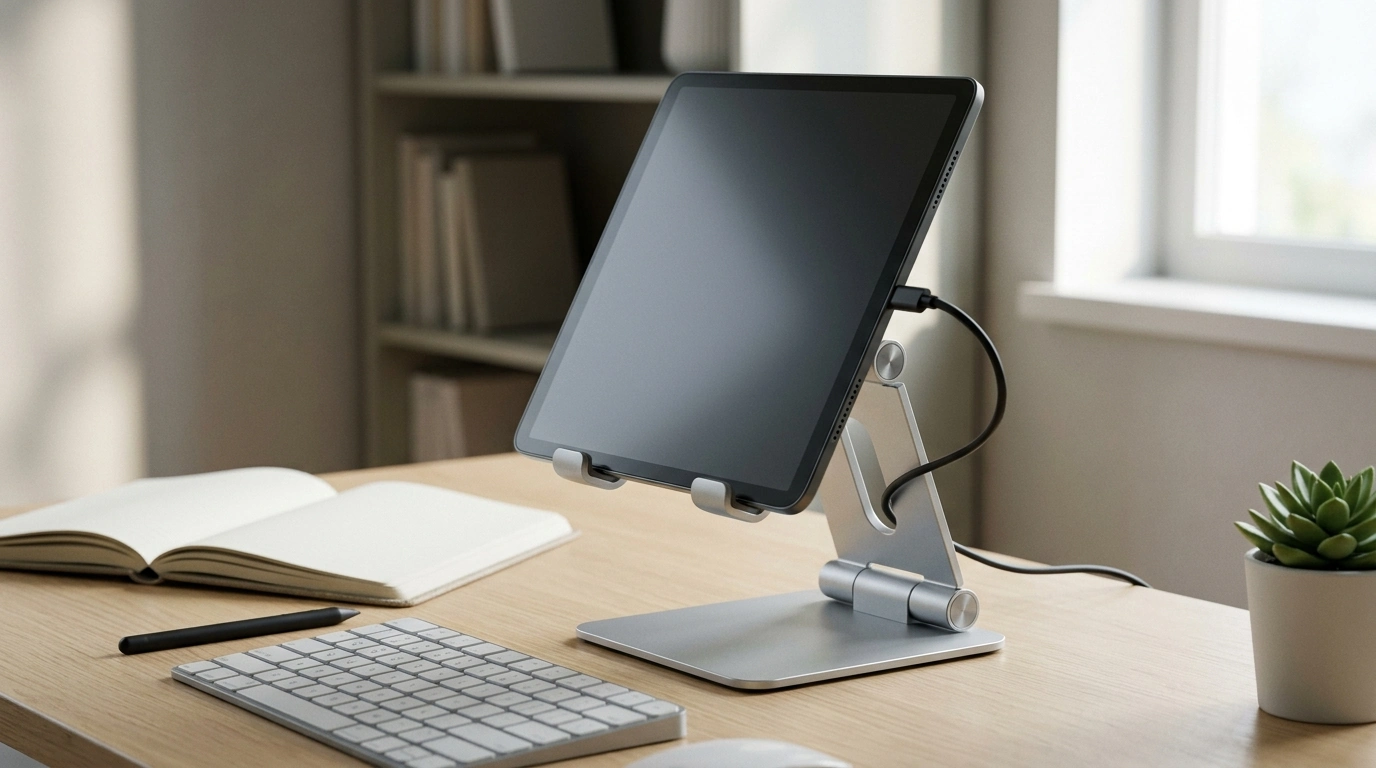
Adjustable Aluminum Tablet Stand: A Stable, Comfortable Setup for Work, Calls, and Streaming
A solid tablet stand can reduce neck strain, steady the screen for typing or drawing, and keep a desk or nightstand tidy. An adjustable aluminum design adds rigidity and helps shed heat while offering simple angle control for everything from video calls to recipes in the kitchen. If a tablet is used daily—at home, in class, or at work—raising it off the surface can make the whole setup feel more intentional and easier to use.
Why an adjustable stand makes daily use easier
Tablets are incredibly flexible, but that flexibility can also mean constant repositioning—especially when switching between typing, reading, and watching. An adjustable stand solves the “where do I put this?” problem while improving comfort and stability.
- Raises the screen closer to eye level to improve posture during long sessions
- Keeps the tablet stable while tapping, swiping, or using a stylus
- Creates a consistent viewing angle for video calls, classes, and presentations
- Frees up space by giving the tablet a dedicated footprint instead of laying flat
- Supports hands-free use for cooking, reading, or workouts
Ergonomics guidance from authoritative sources emphasizes screen positioning and neutral posture as practical ways to reduce strain over time. For deeper workstation tips, see the NIOSH Computer Workstations eTool and Mayo Clinic’s office ergonomics guide.
What to look for in an aluminum tablet stand
Not all stands feel the same. A good aluminum stand should be adjustable without feeling flimsy, and stable without taking over the desk. Before buying, focus on the features that impact everyday use.
- Angle adjustability: enough range to move from low typing angles to upright viewing
- Base stability: a wider footprint helps prevent wobble when interacting with the screen
- Device fit: ensure the cradle or lip supports the tablet size and any case thickness
- Surface protection: rubber or silicone pads prevent scratches and reduce slipping
- Cable access: space for charging cables so the tablet can remain on the stand while plugged in
- Portability: a foldable or compact build is easier to move between rooms or travel with
Quick checklist before buying
| Feature | Why it matters | What to confirm |
|---|---|---|
| Adjustable angle | Comfort for viewing and typing | Hinge holds position without drifting |
| Anti-slip pads | Protects device and surface | Pads on both cradle and base |
| Stable base | Prevents tipping during touch input | Weight and footprint feel steady on a desk |
| Case compatibility | Avoids a loose or too-tight fit | Cradle depth supports a cased tablet |
| Charging clearance | Keeps setup usable all day | Cable route isn’t pinched or blocked |
Best uses at home, school, and work
An adjustable tablet stand earns its keep because it adapts to different rooms and routines. Instead of balancing a tablet on a mug or propping it against a wall, the stand creates a consistent “home base” wherever the device is used.
- Desk setup: pair with a keyboard for a laptop-like workflow
- Video calls: keep the camera at a flattering, steady angle
- Kitchen counter: hands-free recipes and timers away from splashes and clutter
- Bedside or couch: comfortable streaming without holding the tablet
- Study sessions: upright angle for reading and note-taking, lower angle for writing with a stylus
For small spaces, the biggest win is often visual: when the tablet is upright, it’s easier to see and easier to put away with the rest of the setup. If organizing a multi-use room is part of the goal, consider adding a practical guide like Maximize Function, Minimize Clutter | Multifunctional Room Layouts eBook | Small Space Design Guide | Space-Saving Furniture & Smart Home Ideas or One Room, Real Progress: A Simple Step-by-Step Guide for Stress-Free Home Organization.
Care, safety, and long-term durability
Aluminum stands are generally low maintenance, but a few habits help keep hinges firm and pads grippy—two details that matter most for long-term performance.
- Place the stand on a flat, dry surface for best grip and stability
- Avoid forcing hinges past their natural resistance to prevent premature loosening
- Wipe aluminum with a soft microfiber cloth; use a lightly damp cloth for smudges
- Check pads periodically; replace if they peel or lose grip
- Keep liquids away from the hinge area to reduce corrosion risk over time
A simple ergonomic setup (fast adjustments that help)
Small angle changes can make a noticeable difference—especially during long reading sessions or back-to-back calls. Use these quick adjustments to match the task and reduce strain.
Product spotlight: Adjustable Aluminum Tablet Stand
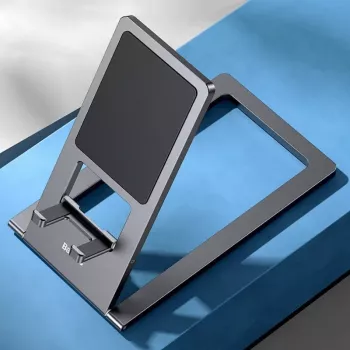
If the goal is a cleaner, more comfortable setup without overcomplicating the workspace, Adjustable Aluminum Tablet Stand is a practical everyday accessory. Aluminum construction delivers a sturdy feel, while angle adjustment makes it easy to shift from a low, interactive position (typing, tapping, sketching) to a more upright stance for streaming or video meetings.
At-a-glance details
| Item | Details |
|---|---|
| Product | Adjustable Aluminum Tablet Stand |
| Price | 10.82 USD |
| Availability | In stock |
| Product page | https://eternela.com/adjustable-aluminum-tablet-stand/ |
FAQ
Will an aluminum tablet stand work with a tablet case?
Usually yes, but it depends on the cradle depth and the height of the front lip. If the case is thick or rugged, confirm the tablet still sits fully on the pads and doesn’t rock in place.
Is a tablet stand stable enough for tapping and typing?
It can be, as long as the stand has a broad base, reliable anti-slip pads, and a hinge that holds position without wobbling. For frequent typing, stability and hinge tension matter more than a super-lightweight design.
How do you set a tablet stand to reduce neck strain?
Raise the screen closer to eye level for reading and video calls and tilt it to minimize glare. For handwriting or stylus work, lower the angle so wrists stay comfortable and relaxed.





Leave a comment